

Over the past year, I have been using ChatGPT to write novel outlines. What used to take me weeks now takes just a few days. What used to feel like torture now feels fun, like jamming with a friend who always has cool ideas.
You know that feeling when you have a great story idea, but you don’t know where to start? You stare at a blank page. Your mind goes blank. You have cool characters and maybe a good beginning, but figuring out the whole story feels impossible.
I get it. I’ve been there too many times.
Planning a novel is tough. You worry about problems before they even happen. You doubt every choice. It’s like trying to plan a road trip when you don’t have a map.
But here’s the good news: ChatGPT can help make planning your book way easier. It won’t write your book for you (that would be cheating and the results would be boring). Instead, it’s like having a helpful friend who never gets tired of talking about your story ideas.
Let me show you exactly how I do it.

Why Use ChatGPT for Novel Outlines?
Let’s be real about what ChatGPT can and can’t do for your novel planning.
The Good Stuff
It saves tons of time. My first outline with ChatGPT took 4 hours instead of two weeks. The AI doesn’t replace your creativity. It just speeds up the boring parts so you can spend more time on the fun stuff.
It gives you new ideas. ChatGPT’s story structure suggestions surprised me. When I got stuck on my thriller story, I asked for help. It suggested that my main character’s safe hiding place actually belonged to the bad guy. Mind. Blown. That changed my whole plot.
It organizes your messy thoughts. Tell ChatGPT all your random ideas about characters and plot. It puts them in order and makes sense of them. You stay in control, but the AI for novel outline does the organizing work.
It finds problems before you write. ChatGPT can spot holes in your story logic. It’s like having an editor who works for free and never sleeps.
The Not-So-Good Stuff (ChatGPT Limitations)
You need to be specific. Bad question: “Write a novel outline.” Better question: “I’m writing a fantasy story about a blind wizard who wants revenge. Can you help me outline the first part using the Hero’s Journey?” Details matter.
It can’t copy your voice. ChatGPT gives okay suggestions, but they’re sometimes boring. Your job is to pick the good ideas and add your personal style. The AI builds the skeleton. You add the personality.
You’re the real writer. Using AI to plan is fine. Having it write your actual book is not. One helps your process. The other replaces you. We’ll talk more about this later.
AI story framework development is a tool, not a shortcut.
How to Outline Your Novel with ChatGPT (Step by Step)
Ready to try this? Follow these seven steps. I’ve tested them on tons of projects.
Step 1 – Preparing ChatGPT for Outlining
Most people mess this up. They ask ChatGPT vague questions and get vague answers. Instead, treat it like you’re explaining your project to a teacher who will help you.
Here’s what I say to ChatGPT at the start:
“You are an expert writing coach. You help people plan novels. I’m writing a [TYPE OF STORY] about [QUICK SUMMARY OF YOUR IDEA].
When you suggest plot ideas, explain why they work. Tell me if my story logic seems weak. Ask me questions if my ideas need more detail.
My writing style is [HOW YOU WRITE]. Keep this in mind.
Ready to start?”
Why this works: You told the AI what job it has, gave it your basic idea, and explained your style. Now it knows how to help you.
Pro tip: Save this conversation. ChatGPT forgets things after a while. I learned this the hard way when I lost two hours of great work.
Step 2 – Creating Your Story’s Foundation
Before you plan big action scenes, you need the basics. These four things anchor everything:
1. Setting (The World’s Rules)
Don’t just say where your story happens. Explain what’s possible and what’s not.
Ask ChatGPT: “What are 5 interesting things about [YOUR WORLD] that could help or hurt my main character?”
For my fantasy story set in a city where music is illegal, ChatGPT suggested that rebels communicate by tapping rhythms on walls. That became a huge part of my plot.
2. Characters (Beyond Basic Traits)
Skip boring descriptions like “brave knight.” Go deeper.
Try this: “My main character is a [JOB] who wants [GOAL] because they believe [WRONG IDEA]. What inner problem could make their quest harder?”
Using ChatGPT as a novel planning AI tool helped me realize my “fearless” warrior was actually running from sadness. That made every scene better.
3. The Starting Point
Where does your story begin? Not the big event that kicks things off—the moment right before.
ChatGPT gave me this:
“Your character should start thinking everything is fine, but it’s fake. They believe they’ve found peace after their family died. But they’re just numb, not healed. The big event will shatter this.”
That’s smart stuff. That’s the kind of nuanced ChatGPT story structure insight that elevates basic plotting.
4. What’s at Risk
Stakes aren’t just “save the world.” They’re personal and specific.
Ask: “What could my character lose on three levels: personal stuff, relationships, and the bigger picture? Make each level worse than the last.”
ChatGPT helped me see that my thriller’s stakes were too vague. “Stop the bad guys” became “prevent the exposure that would ruin his daughter’s life.” Way more interesting.
Step 3: Build Your Plot
Now we create the actual story plan. This is where ChatGPT really shines.
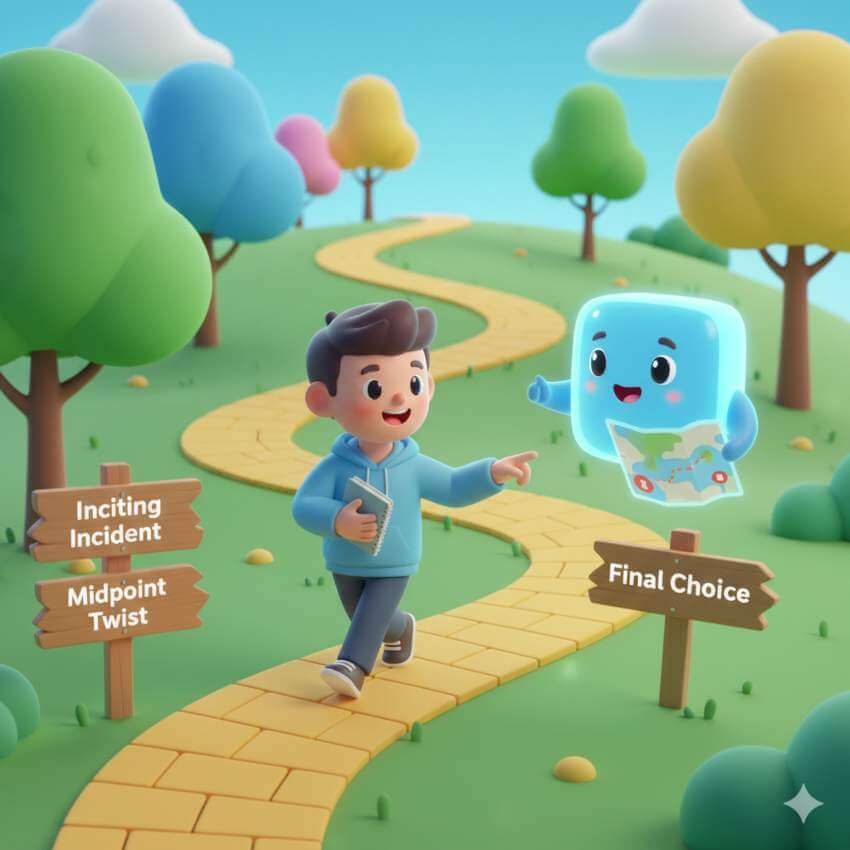
The Big Event (Point of No Return)
Ask: “Based on my character’s flaw and goal, what event would force them into action while showing their weakness?”
For my blind wizard story, ChatGPT suggested: “The only person who knows where your enemy is hiding is a kid who draws pictures. Your character must learn to ‘see’ through someone else’s eyes—which challenges his pride.”
Brilliant. I never would have thought of that.
Major Problems (Rising Challenges)
Each obstacle should be harder than the last—not bigger, but harder emotionally.
My question: “Design 4 challenges that get harder. Each should force tougher choices.”
ChatGPT created a sequence where my character went from lying to betraying friends to almost committing murder. Each step felt more soul-crushing.
The Middle Twist (Everything Changes)
The middle of your story needs a big revelation that makes readers rethink everything.
Ask ChatGPT: “What secret could be revealed in the middle that makes my character question their whole mission?”
For my thriller, I suggested revealing that my character’s mentor was actually working for the bad guy all along. Every “helpful” thing the mentor did earlier suddenly seemed evil. Perfect.
The Big Showdown
ChatGPT helps find the right final confrontation—one that tests your character’s growth, not just their skills.
Try: “My character’s journey is learning that [LESSON]. What final situation would force them to use this lesson or go back to their old ways?”
The AI suggested my warrior character had to choose between revenge (his old goal) or mercy (his new understanding). But showing mercy meant the person who killed his family would go free. That’s a tough choice with real consequences.
The Ending
Ask: “What would an ending look like that shows my character’s growth while acknowledging what it cost them?”
ChatGPT helped me avoid the “everything’s perfect now” trap. My character found peace, but lost his warrior identity. Bittersweet and realistic.
Step 4 – Chapter-by-Chapter Outlining
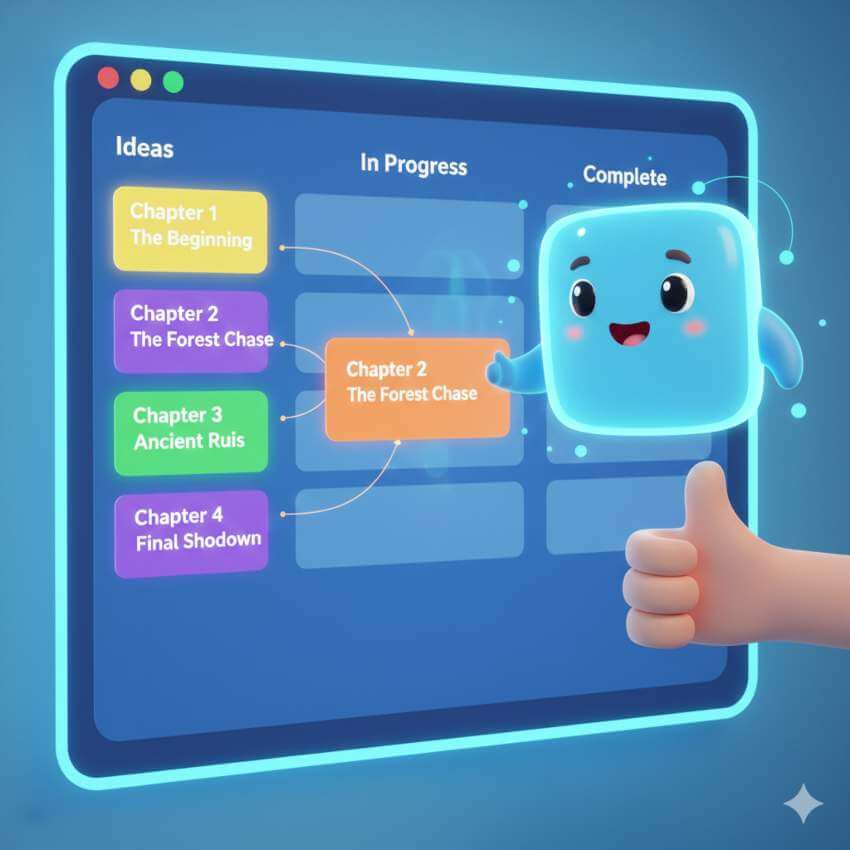
You have the big picture. Now split it into chapters.
The Template I Use:
“Break my story into [NUMBER] chapters. For each chapter, tell me:
1. What needs to happen 2. How it starts 3. The main problem 4. How the character grows or fails 5. Why readers will want to keep reading
Start with the first part of my story.”
Here’s what ChatGPT made for Chapter 3 of my fantasy novel:
- What happens: Character discovers the secret music underground and meets the rebels
- Opening: A mysterious rhythm echoes through prison walls—too complex to be random
- Main Problem: To decode the message, the character must reveal his music knowledge, risking death
- Character Growth: Realizes silence was his prison, not the walls—music represents the freedom he denied himself
- Cliffhanger: The decoded message says: “Your brother lives.” (His brother supposedly died years ago)
That’s a guide, not a rule. I changed the cliffhanger but kept the emotional core.
Pro tip: Create chapters in small groups of 3-5. Review before continuing. This keeps the outline on track.
Step 5: Add Side Characters and Subplots
Main plot done? Great. Now add depth through other characters and side stories using the AI story framework.
The Side Character Question
“I have three side characters: 1. [NAME]: [THEIR ROLE AND GOAL] 2. [NAME]: [THEIR ROLE AND GOAL] 3. [NAME]: [THEIR ROLE AND GOAL]
For each one, suggest: – How their personal story connects to the main plot – A side story just for them that supports the theme – Key scenes where they challenge the main character’s beliefs”
ChatGPT showed me how my mentor character’s story of losing faith could mirror my main character’s journey—creating cool connections I missed.
Weaving Subplots
Side stories aren’t just decoration. They support the main story.
Ask ChatGPT: “My theme is [YOUR THEME]. Design a romance subplot that explores this theme differently than the main plot.”
For my “cost of revenge” theme, the AI suggested a love interest who has already chosen forgiveness—showing the main character a different path. This created tension naturally.
Character Growth Check
After creating chapter outlines, ask: “Review my character’s growth across all chapters. Find any chapters where they don’t develop, go backward without reason, or change unrealistically fast.”
ChatGPT caught that my character went from “doesn’t trust anyone” to “team leader” in two chapters. I added three scenes to bridge that gap.

Step 6 – Using AI for Revisions & Complex Plots
Your first outline is never final. ChatGPT, as a Novel structure AI tool, is great at spotting issues.
The Plot Hole Detective:
Paste your complete outline and ask: “Analyze this for: – Things that don’t make sense – Character choices with no good reason – Parts that move too fast or too slow – Unclear connections between events – Timeline problems.”
ChatGPT found a huge problem in my thriller: my character couldn’t possibly travel between two cities in the time I gave him. Simple fix, but I would have missed it.
Pacing Analysis (The Rhythm Check):
Ask: “Does this outline have good pacing? Should any intense chapters be followed by calmer ones so readers can catch their breath?”
The AI found that I had five action chapters in a row—exhausting for readers. It suggested adding a quiet chapter where the character thinks about recent events, which also allowed for important character development.

Step 7: Save and Use Your Outline
You built a great outline. Don’t lose it in the chat window.
How to Save It:
ChatGPT doesn’t have a download button. Here’s what I do:
- Ask for an organized format: “Please give me the complete outline in an organized format with headers and bullet points.”
- Copy it to your writing program (Word, Google Docs, Scrivener)
- Save backups as both PDF and an editable document
The Living Outline Idea:
Your outline should change as you write. New ideas will come up. Characters will develop personalities. Plot holes will appear.
I keep a document tracking changes:
- Original Plan: Chapter 7 – Character confronts mentor
- New Plan: Chapter 7 – Character discovers mentor’s betrayal through a secret letter
- Why I Changed It: Confrontation felt too early; needed more tension
This prevents the “but my outline says…” problem. The outline serves the story, not the other way around.
Conclusion
ChatGPT isn’t writing your novel. You are.
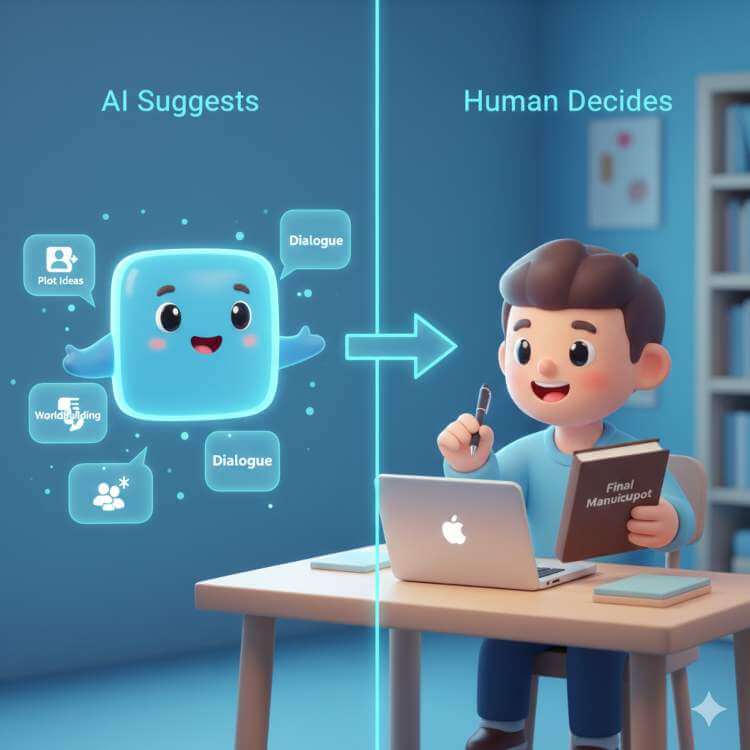
Let me be super clear: The AI gives suggestions. You make choices. It proposes a structure. You add meaning. It shows possibilities. You pick the path.
I’ve been using ChatGPT to write novel outlines. Every single one needed my creative decisions, my themes, and my emotional understanding. The AI sped things up and caught problems I’d have missed. But the stories? Those came from me.
The real power comes from teamwork. You bring the creativity, passion, and unique voice. The AI brings tireless organization, structured knowledge, and objective analysis.
My challenge to you: Try it without fear. Ask weird questions. Break your own rules. Worst case? You waste 20 minutes. Best case? You discover a planning method that transforms how you write.
Remember:
- Start with clear, specific questions
- Use AI for structure, not for your story’s soul
- Keep improving—first attempts are rarely best
- Trust yourself when AI suggestions feel wrong
- Save everything (conversations can disappear)
Your novel has been waiting for the right plan. Maybe novel planning using AI is the key that finally unlocks it.
FAQs
1. Can I really use ChatGPT to outline a book?
Yes, and I think you should—with important rules. ChatGPT is great at outlining because outlining is about structure and logic. Unlike writing actual sentences (where AI creates bland, boring text), AI plot suggestions can be genuinely creative when you ask good questions.
My experience: I’ve outlined three full books using ChatGPT. Not one outline stayed the same when I actually started writing. But having that foundation let me focus on writing well instead of constantly worrying if the plot made sense.
2. What’s the best tool for outlining novels?
There’s no single “best”—only what works for you. I’ve tested many tools. Here’s my honest opinion:
ChatGPT (GPT-4) – Best for Flexible Planning
Good things:
- Super flexible; works with any planning method
- Great at analyzing plot logic
- Handles complex questions about characters and pacing
- Works for any type of story
Not-so-good things:
- Requires skill in asking good questions
- No built-in organization
- Sometimes forgets earlier conversation
- You have to manually copy to the writing software
Best for: Writers who want maximum control Cost: $20/month
Scrivener – Best for Hands-On Organizers
Good things:
- Very flexible organization tools
- Combines planning with writing
- Powerful features (folders, labels, tracking)
- One-time purchase
Not-so-good things:
- Hard to learn at first
- No AI help
- The mobile version is limited
Best for: Writers who want complete control without AI Cost: $49 one-time
My Personal Method:
I don’t use just one tool:
- ChatGPT for initial ideas and structure
- Scrivener for organizing into chapters
- Sometimes, other tools for complex timelines
If I could only choose one? ChatGPT. But that’s just me—you might prefer something different.
Pro tip: Try free trials before buying. The best tool is the one you’ll actually use.
3. Is it okay to use ChatGPT to write a book?
This needs a careful answer.
The Important Difference: Help vs. Replacement
Using ChatGPT for outlining, brainstorming, and editing? Totally fine. This is using a tool.
Having ChatGPT write whole chapters or most of your book? Not okay.
Here’s why:
Okay Uses:
- “Help me outline a fantasy novel about X.”
- “Check my character’s growth for consistency.”
- “Suggest three different ways this scene could go.”
- “Find logic holes in this plot.”
You’re leading. You’re deciding. You’re creating. The AI is just responding to your ideas.
Not Okay Uses:
- “Write Chapter 5 where the hero faces the villain.”
- “Generate 5,000 words of dialogue for this scene.”
- “Create a complete book based on this idea.”
The AI is creating. You’re just picking. That’s not writing; that’s copying.
If I can’t explain the story without the AI-generated text in front of me, I haven’t actually written it.
My advice: Be honest with yourself. If you feel like you need to hide your AI use, you’ve probably crossed the line. If you can proudly explain how AI helped without replacing your work, you’re fine.Use ChatGPT as a partner, not a ghostwriter. Your readers—and you—deserve better.
Leave a Reply